 ← How To Use
Love Bridge: Controlling Your Massager Long-Distance
App Guide
7 min read
The technology is the easy half. The conversation you have before you hand over control is what makes it good.
← How To Use
Love Bridge is the shared-session part of the Velvet Vibes app, and it sits under Together at the bottom of the Play screen. You create a room, someone joins it, you start a video call, and control of the massager passes between you. What makes it work is not the technology, which mostly looks after itself. It is deciding, out loud and beforehand, what the other person is allowed to do.
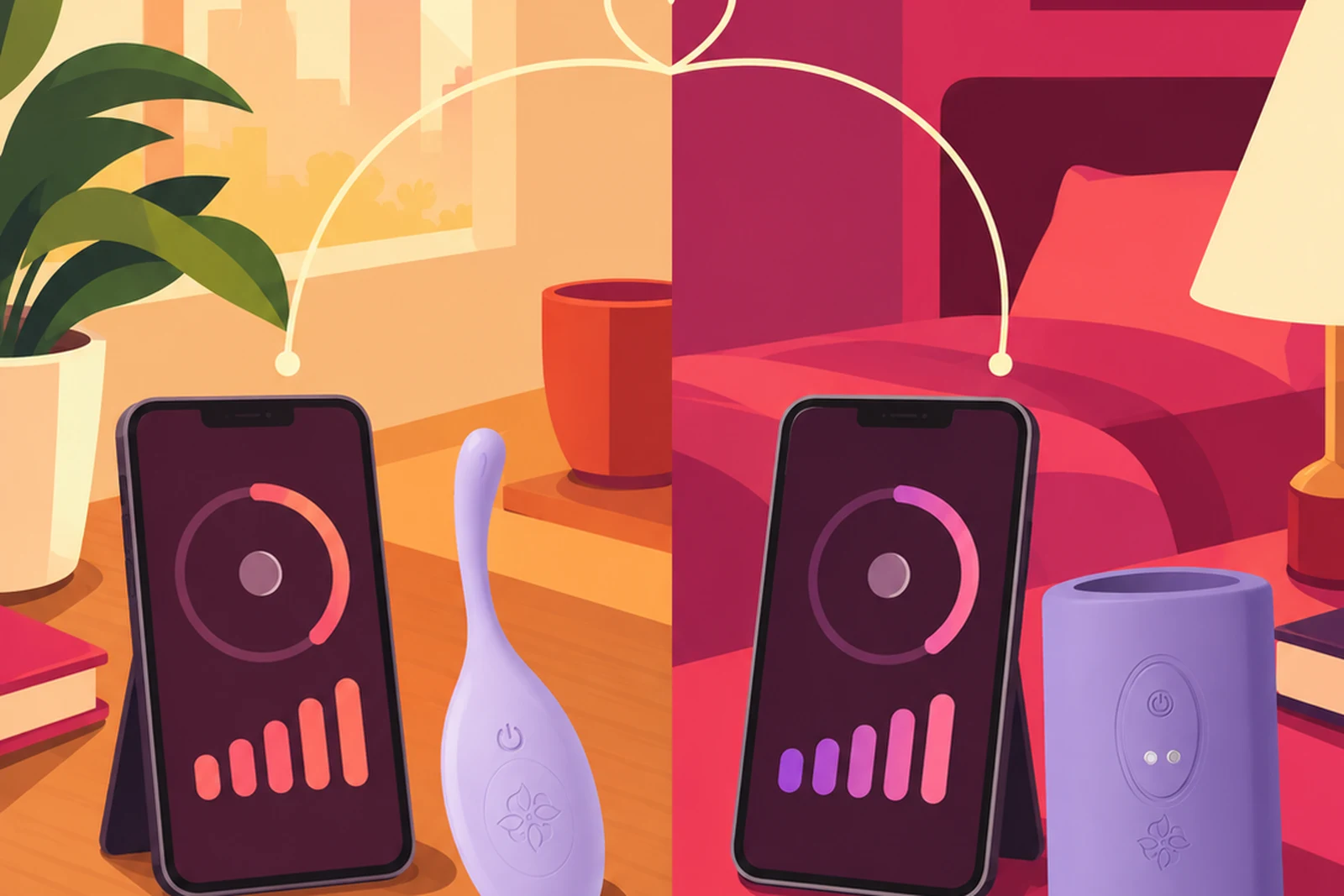
A room is a shared session. One person creates it, others join, and inside the room the massager can be driven by someone other than the person wearing it, with a video call running alongside so you can see and hear each other.
Two things make it different from a simple remote. It carries the call, so the reaction and the control happen in the same place rather than on a phone in one hand and a laptop in the other. And a room is not restricted to two people, which is worth knowing before you open one.
Do this first, before the room, before the call. It takes half a minute and it is the difference between this being fun and being a surprise nobody wanted.
The ceiling. The highest intensity either of you will go to. Naming a number beforehand means the person in control is not guessing, and the person wearing it is not bracing.
A word that means stop. Not "wait" or "hang on", which get read as part of the moment. One clear word that means stop now, understood by both of you, so nobody has to reach for a phone to be understood.
Who holds control, and when it comes back. Especially in a room with more than two people, decide this out loud rather than discovering it live.
None of this has to be solemn. It is the same conversation you would have about anything else you were trying together for the first time, and it usually takes less time than getting the massager paired.
Pair your massager on the Play screen before you open Love Bridge. Getting a device connected while someone is waiting is the least romantic part of the evening, and it is entirely avoidable. If pairing is giving you trouble, the app guide has the full troubleshooting list.
Then open Love Bridge from Together at the bottom of Play, and create a room.
The person joining opens Love Bridge on their own phone and enters the room you created. If they are the one holding control rather than wearing a massager, they do not need a device of their own connected.
The call runs inside the room, alongside the massager control, which is the point: you can see the reaction to what you are doing as you do it, and adjust to it. That feedback loop is most of what makes a long-distance session feel like something shared rather than something operated.
Practical things that help. Put the phone somewhere it can stay, propped rather than held, so the call is not moving around and your hands are free. Use headphones, which keeps the sound close and stops it filling the room. And check what is behind you before you start, particularly if you share a home with other people.
Once control passes, the other person is driving intensity and patterns live.
The advice for whoever is holding the controls is the same advice that applies to hands: start lower than you think and change one thing at a time. Opening at a high setting is the most common mistake and it usually ends the session rather than starting it. Change intensity, then wait. Watch what happens. Pauses are a tool, not dead air, and the gap between two settings is often where the interesting part is.
For the person wearing it, say what is working while it is working. "That, keep that" is more useful than a face on a small screen, and it is easy to forget the other person cannot feel what you feel.
Control never stops being yours to take back, and the buttons on the massager itself keep working throughout. Nobody is locked into anything.
In the same room, control travels over Bluetooth and is effectively instant. Across distance it goes phone, internet, phone, massager, so a small delay is normal and not a fault.
Three things reduce it. Wifi rather than mobile data on both ends, which matters more for stability than for raw speed. Both apps open in the foreground rather than backgrounded, since phones aggressively throttle apps that are not on screen. And a video call and a device stream share the same connection, so a marginal connection shows up in both at once.
If it gets choppy, dropping the video for a moment usually steadies the control.
Because a room can hold more than two people, the useful habit is to treat opening one the way you would treat any other private space: know who is coming before you open the door.
Only share an invitation with the person or people you actually intend to be there, and close the room when you are done rather than leaving it open. If a room is going to have more than two people in it, agree beforehand who is controlling what, so nobody finds out by feel.
How many people can be in a room? More than two. A room is a shared session rather than a one-to-one link, which makes agreeing beforehand who controls what more important, not less.
Do we both need internet? For distance, yes. In the same room, Bluetooth handles it and no connection is needed.
Why is there a delay? The signal crosses the internet to get there. Wifi and both apps kept in the foreground usually fix most of it.
Can I stop at any point? Always. Control comes back whenever you take it, and the massager's own buttons never stop working.
Can we use it in the same room? Yes, and many couples do. Handing a partner control of something you are wearing works just as well across a sofa as across a time zone.