 ← How To Use
How to Use the Velvet Vibes App
App Guide
7 min read
Everything your massager does on its own, plus the things only a phone can add.
← How To Use
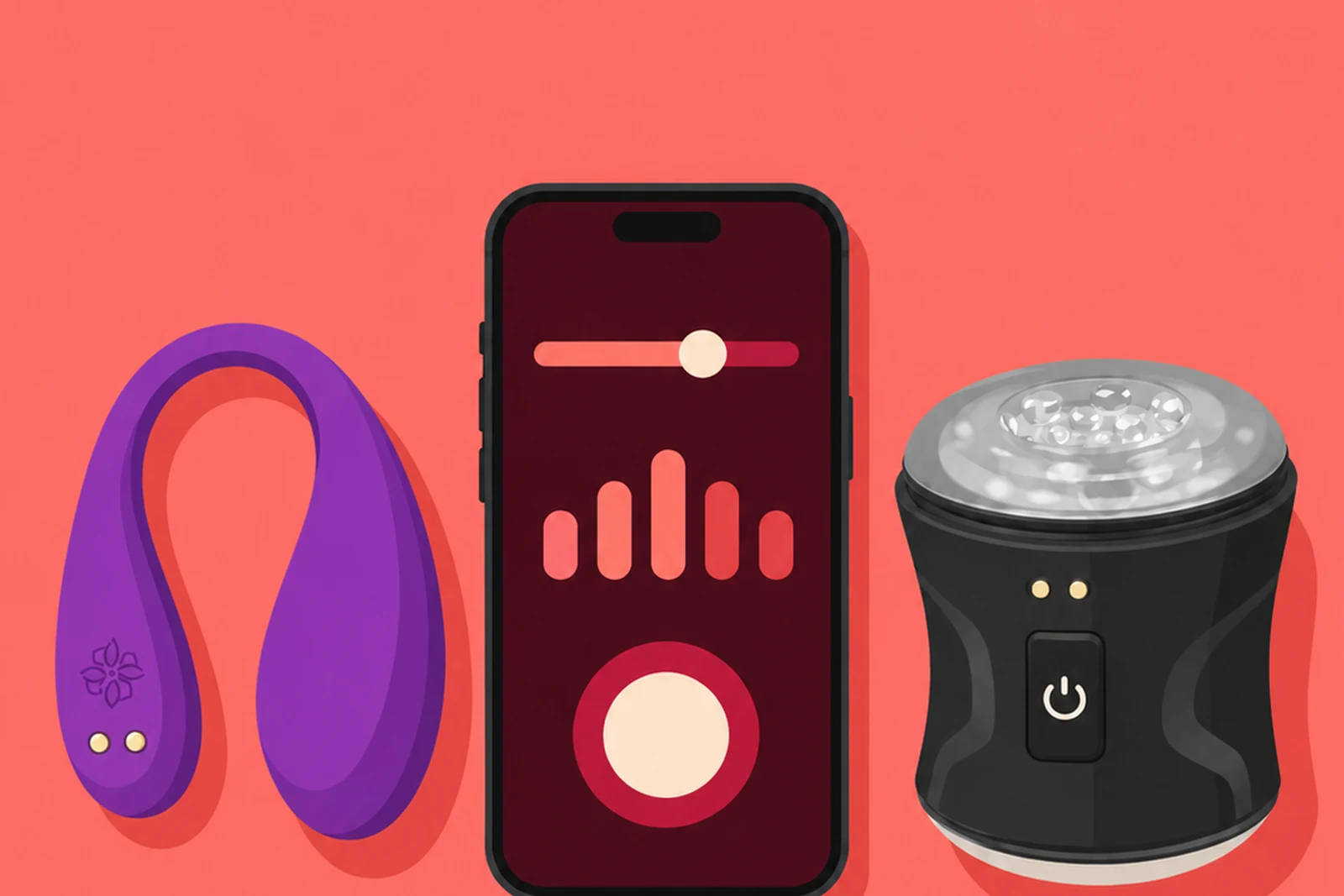
Every Velvet Rituals massager works completely on its own. The buttons give you intensity and the built-in patterns, and if you never open the app you have lost nothing essential. What the app adds is the set of things a phone can do and a button cannot: patterns you build yourself, vibration that follows music, timed sessions, and handing control to someone else in the room or in another country. This is a walk through the Play screen, tile by tile, in the order you meet them.
Download Velvet Vibes from the App Store or Google Play and create an account. The app opens on Play, which is the tab that talks to your massager. The other tabs along the bottom, Stories, My AI, Vibes and Me, are separate parts of the app and none of them are needed to run a device.
Two things sit in the top corner of Play. A credits balance, which is used for the AI experience rather than for anything on this screen, and a bell for notifications. You can ignore both while you are getting a massager connected.
The card at the top of Play is where the massager lives. Before anything is paired it reads NO DEVICE with a Connect button underneath.
Charge the massager fully first. A low battery is the single most common reason a pairing fails or drops halfway through a session, and it is easy to mistake for a broken device. Switch the massager on, keep it within a couple of metres of the phone, make sure Bluetooth is on, and tap Connect. Pick your massager from the list the app finds, and the card changes to show it as connected.
On Android the app asks for location permission at this point. That is not tracking and the app does not use your location for anything. Android gates all Bluetooth scanning behind that permission at the operating system level, so every app that finds Bluetooth devices has to ask. Pairing will not complete without it.
Patterns is where the rhythms live. It holds the preset patterns that come with the app, and it is also where you build your own and save them.
The thing worth knowing before you start experimenting: a steady, unchanging vibration is usually the weakest setting on any device. The body stops noticing a constant signal within a couple of minutes, which is exactly why patterns exist. Rhythmic and building patterns keep arousal climbing where a flat setting plateaus. Our guide to vibration modes and patterns goes into why in more detail.
In practice most people end up using two or three patterns and ignoring the rest. That is not a failure to explore, it is what finding your preferences looks like. Building your own is worth the ten minutes it takes, because a pattern shaped to how you actually build is better than any preset guess.
Real-Time is the live control tile: instead of running a saved pattern, you drive the massager as it happens.
Music makes the massager follow audio, so the vibration tracks the beat and the swell of whatever is playing rather than holding one level.
It is worth trying with something slower than you would expect. Fast, dense tracks produce a busy, almost jittery result, while music with space in it gives the vibration room to rise and fall, which is much closer to how arousal actually builds. Ambient and downtempo tend to work far better here than anything with a hard four-on-the-floor beat.
Exercise runs timed, structured sessions rather than free play. On the strokers it is oriented around pacing and control; on the internal massagers it supports pelvic floor work.
Whichever massager you are using it with, the honest framing is the same: this is practice in noticing, not treatment. What a structured session trains is awareness of where you are on the arousal curve and the habit of easing off before the point of no return, rather than escalating until something happens. It is a wellness feature. It does not treat, cure or manage any condition, and if timing or discomfort is causing you distress, a doctor or a qualified therapist is the right person to talk to.
Love Bridge sits on its own under Together at the bottom of Play, described in the app as rooms and shared sessions. It is how control passes to someone else, whether they are in the same bed or on the other side of the world, and it carries a video call alongside the massager control.
It is a big enough feature to deserve its own page, so the full walkthrough, including creating and joining rooms and the conversation worth having before you hand control to anyone, lives in using Love Bridge for long-distance sessions.
If you have an Apple Watch, everything on this screen can also be driven from your wrist, which matters most with a massager you are wearing. See controlling your massager with an Apple Watch.
The massager does not appear in the list. Charge it fully, then power it completely off for five seconds and back on. Stay within a couple of metres of the phone while pairing. Check the travel lock, which is the most common reason a massager seems dead.
It pairs, then drops mid-session. Usually a low battery, which makes the connection unstable well before the massager stops running. Other Bluetooth devices competing for the connection, headphones especially, are the next most likely cause.
The app does not find anything at all. On Android, confirm the location permission is granted, since Bluetooth scanning will silently find nothing without it. On iPhone, check Bluetooth is on for the app itself in settings, not just system-wide.
Controls feel laggy. Force-close and reopen the app. If you are controlling across distance rather than in the same room, a stable connection matters more than a fast one.
If none of that helps, every massager carries a 180-day warranty and support would rather look at it than have you keep trying.
Do I need the app at all? No. Every massager runs fully from its own buttons. The app adds custom patterns, music, exercise sessions and shared control, and nothing essential is locked behind it.
Why does Android want my location? Because Android gates Bluetooth scanning behind that permission at the system level. The app does not use your location. Pairing will not work without it.
Is it on iPhone and Android? Both, and the Play screen works the same way on each.
What are credits for? The AI experience in the app. Nothing on the Play screen, patterns, music, exercise or Love Bridge included, spends them.
Can I use the app while travelling? Yes. Local control over Bluetooth needs no internet at all. Only shared sessions across distance need a connection.