 ← How To Use
Controlling Your Massager with an Apple Watch
App Guide
5 min read
Nobody notices someone checking their watch. That single fact is what the watch app is for.
← How To Use
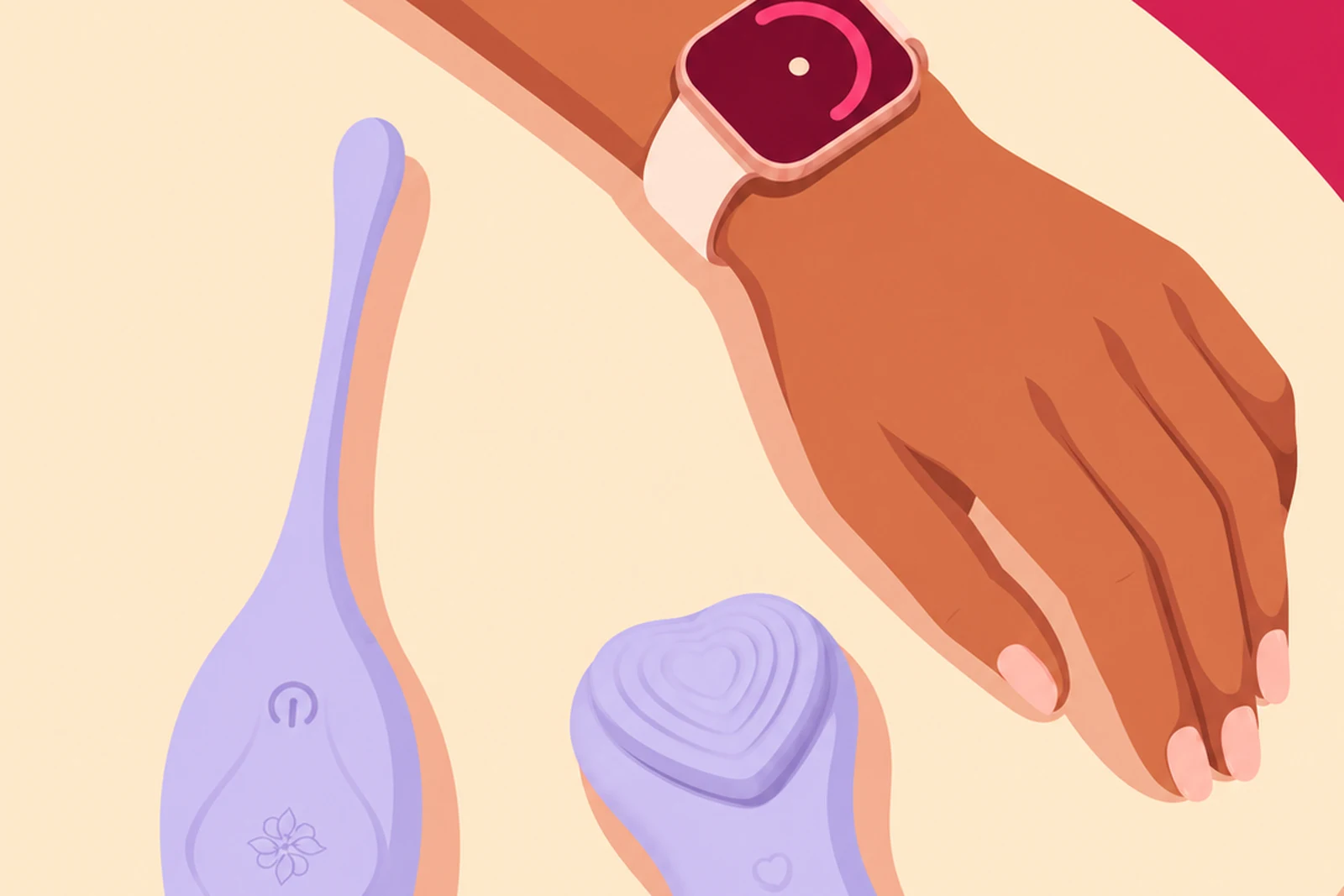
A phone is a poor remote control in public. Taking one out, unlocking it and opening an app is a sequence of movements people notice, and knowing they might is enough to take you out of the moment entirely. Turning your wrist is not. It is the single most ordinary gesture there is, performed by everyone all day, and nobody has ever looked twice at it. That is the whole argument for controlling a massager from an Apple Watch, and it is why this works best with the massagers you wear rather than the ones you hold.
The practical difference is attention, both other people's and your own.
Other people's, because a glance at a watch carries no information to anyone watching. A phone held at an odd angle under a table does. If you are wearing a massager somewhere public, the thing that pulls you out of it is not the device, which is quiet and invisible. It is the fear of being seen operating something.
Your own, because a phone is a portal to everything else. Unlock it to change a setting and you have also arrived at your notifications. A watch does one thing, then goes back to being a watch.
Set the phone up first. Install Velvet Vibes on the iPhone and pair your massager on the Play screen, since the watch works alongside the phone app rather than replacing it. The app guide covers pairing and what to do when it will not connect.
Then install Velvet Vibes on the watch from the Watch app on your iPhone, and open it once while the massager is connected so it picks up the device.
Charge both before a session that matters. A watch running low will usually drop the connection before the massager does, which reads as a device fault when it is nothing of the kind.
A watch screen is small, so a good watch app is deliberately not the phone app shrunk down. It carries the handful of controls you actually reach for mid-session and leaves the rest on the phone.
Every Velvet Rituals massager connects to the app, so the watch can drive any of them. But the pairing that actually makes sense is a watch with a massager you are wearing rather than holding.
Whisper is the clearest case, since it is designed to be worn inside lingerie and out of the house, and the watch removes the last practical obstacle to that. Pearl and Naiomy are both worn hands-free, so a wrist control fits how they are already being used. Eclipse stays seated during sex, where reaching for a phone is exactly the interruption you do not want. And Rouge is pocket-sized and spontaneous, which is the same idea in a different form.
With a handheld massager the watch is a convenience. With a worn one it is the difference between a device you use at home and a device you can take with you.
Everything in our guide to wearing a massager out still applies, and the watch changes one part of it: you are no longer choosing between staying discreet and being able to adjust.
Two habits worth building. Set your starting level before you leave, so the first thing you do on your wrist is adjust rather than choose from a blank screen. And decide in advance which venues you are comfortable in. A busy restaurant with music and conversation is different from a quiet cinema or a lift, and that is a consideration for the people around you rather than a technical limit.
Not while driving, or while doing anything else that needs your full attention. A watch makes control easy enough that this is worth saying out loud.
The watch is a control surface, so the same conversation applies as anywhere else: agree the highest setting either of you will use, and agree a word that means stop now, before anyone starts. That is covered properly in Love Bridge and long-distance sessions.
Three batteries are now involved rather than two, and the watch is usually the smallest of them. Start a longer session with the watch and the massager both above half charge.
Range is the other thing to plan for. The massager connects over Bluetooth, which is a matter of metres rather than rooms, so the phone needs to stay with you. A bag on the next table is far enough away to cause problems, and a coat handed to a cloakroom is definitely too far.
The watch shows no massager. Check the phone app first. If the phone is not connected, the watch has nothing to control. Reconnect on the Play screen, then reopen the watch app.
Controls do not respond. Usually range. Move the phone closer and try again before assuming anything is broken.
It drops partway through. Check the watch battery, then the massager battery. Low power on either makes a connection unstable long before the device stops running.
The app is not on the watch at all. Open the Watch app on your iPhone, find Velvet Vibes in the available apps list and install it there.
Do I still need my phone? Keep it with you, in a pocket or a bag. It carries the connection to the massager. The point is not that the phone disappears, it is that you never take it out.
Why not just use the phone? Because a glance at a watch tells the room nothing, and taking out a phone does. Away from home that is the whole difference.
Is there an Android smartwatch version? The watch app is for Apple Watch. On Android, the phone app has every control.
Will it drain my battery? A live connection costs more than a watch face. Start above half charge on both, and expect the watch to give out before the massager does.
Which massagers work with it? All of them, since they all connect to the app. It earns its place with the wearable ones and with Rouge.